(For an overview of all the various roles, click here.)
You may not want someone to be able to respond to every story prompt, or to be able to read every submitted story. That's where the user known as "Guest" comes in. Please note, you have to be a Purchaser or an Editor to add a Guest user, and to select for which story prompts that Guest should be an author or a reader.
Let's say you want someone to only have access to read three stories from the entire book, and that's it. No problem. Just add them as the role of Guest. Then select the story prompts you want them to have access to as a Reader, and that's it! When that Guest logs in, he/she will only see submitted stories to those three story prompts.
Similarly, let's say you want Aunt Beth to only write stories about early childhood. Add Aunt Beth in the role of Guest. Then select the applicable story prompts where you want Aunt Beth to be an author. That's all! Aunt Beth will receive emails to write about those stories where you specifically selected her to be an author.
Here is how to add someone as in a Guest role:
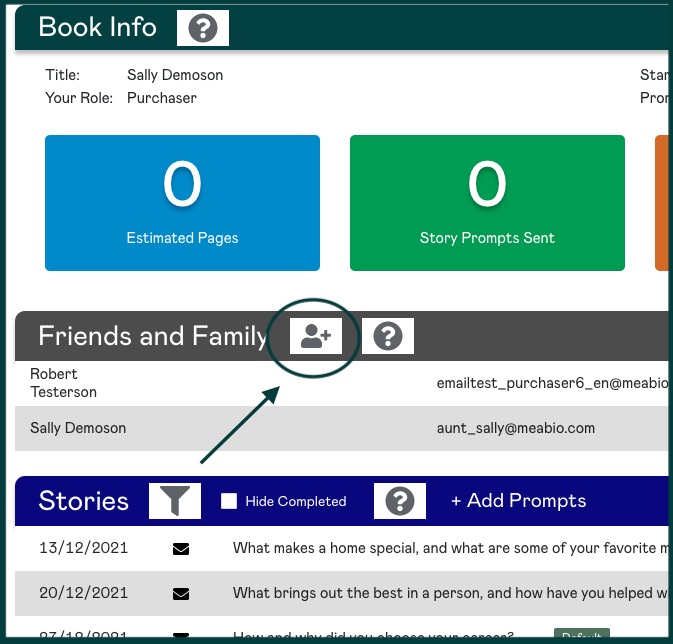
Click on the Add a New User icon; then enter the person's name and email and select Guest from the dropdown menu
|
Rate this Topic:
|
|||
|
