How do I add my own custom story prompt?
Updated: 11/15/2023
Article #: 23
Please note you have to be the Purchaser or an Editor to add or modify story prompts.
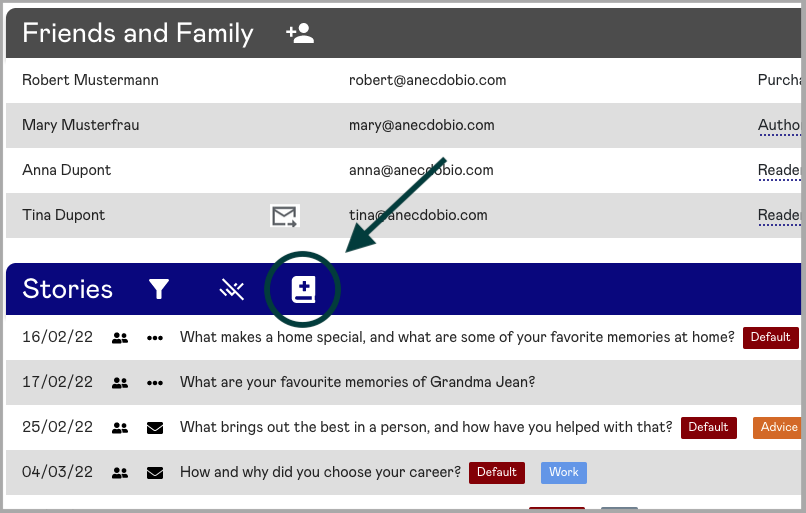
To add a custom story prompt, click on "Add Prompt" icon at the top of the Stories section.
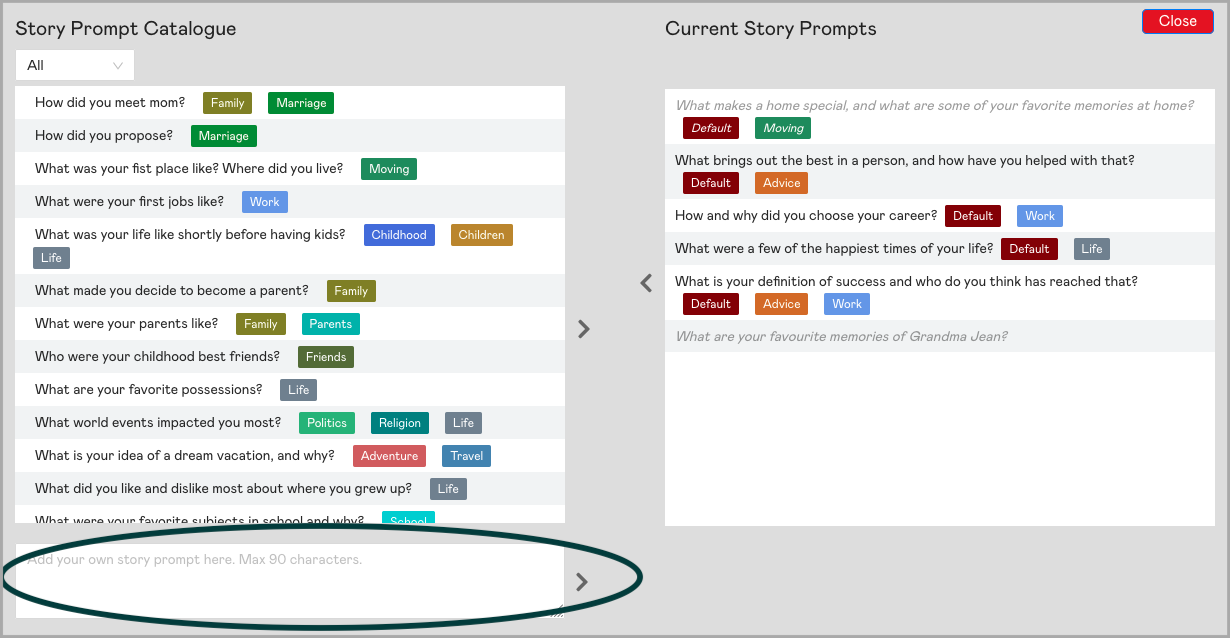
In the story prompt catalog window that appears, above our Story Prompt Catalogue, is the custom story prompt field. Once you've typed in your story prompt, click the green "+" icon to add that prompt to the Current Story Prompts list.
|
Rate this Topic:
|
|||
|
